One-click launch
Select your project folder, click Launch. ClawBox handles the VM, networking, and OpenClaw setup automatically.
ClawBox launches OpenClaw inside a secure, isolated VM on your Mac. Pick a project folder, click Launch — the dashboard opens when it's ready. No cloud. No config files. Your code never leaves your machine.
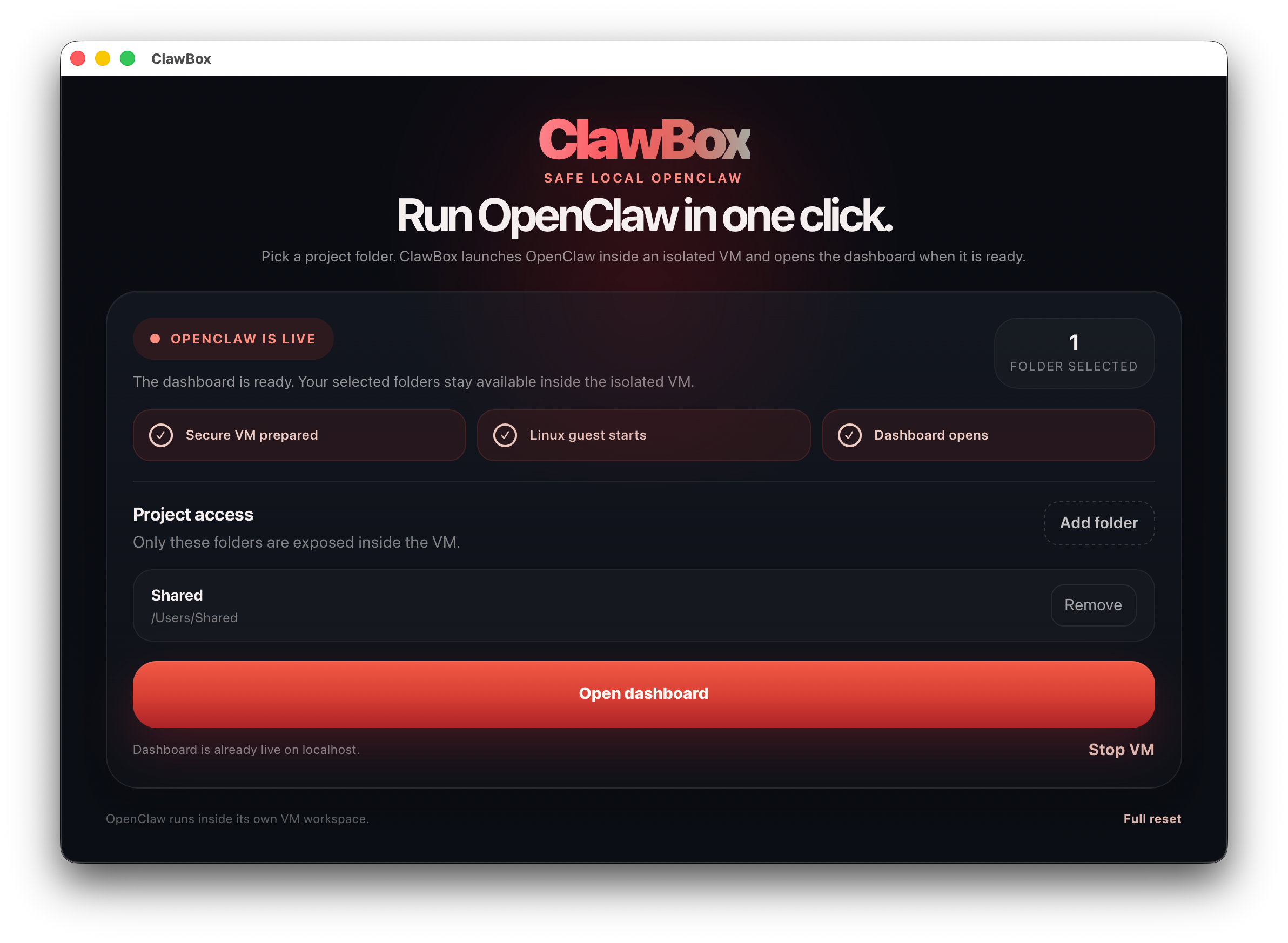
ClawBox strips away the complexity so you can focus on what matters — using AI on your code.
Select your project folder, click Launch. ClawBox handles the VM, networking, and OpenClaw setup automatically.
OpenClaw runs inside a sandboxed Linux VM. Only the folders you choose are shared — nothing else on your Mac is exposed.
No cloud accounts. No subscriptions. The dashboard runs on localhost. Your code and conversations stay on your machine.
First boot takes a minute while the VM installs OpenClaw. After that, launches are near-instant — the runtime persists.
Something broke? One button wipes the VM disk and rebuilds from scratch. No fiddling with terminal commands.
ClawBox doesn't touch your LLM provider. Configure API keys directly inside the OpenClaw dashboard after launch.
Choose the project directory you want OpenClaw to access. Only this folder is shared with the VM.
ClawBox creates the VM, boots Linux, installs OpenClaw, and starts the gateway. You wait about a minute.
The OpenClaw dashboard opens in your browser. Add your API key, pick an agent, and start working.
ClawBox is free and open source. Download the macOS app and launch OpenClaw in under a minute.
↓ Download for macOS (Apple Silicon)